HSM support
Hardware security module (HSM) support is on the roadmap. Contact us for more information or custom HSM integrations.
Docs · Getting started & concepts
Key Vault and database access stay behind Liminal. Console and Liminal Keys for Mac never receive private key bytes.
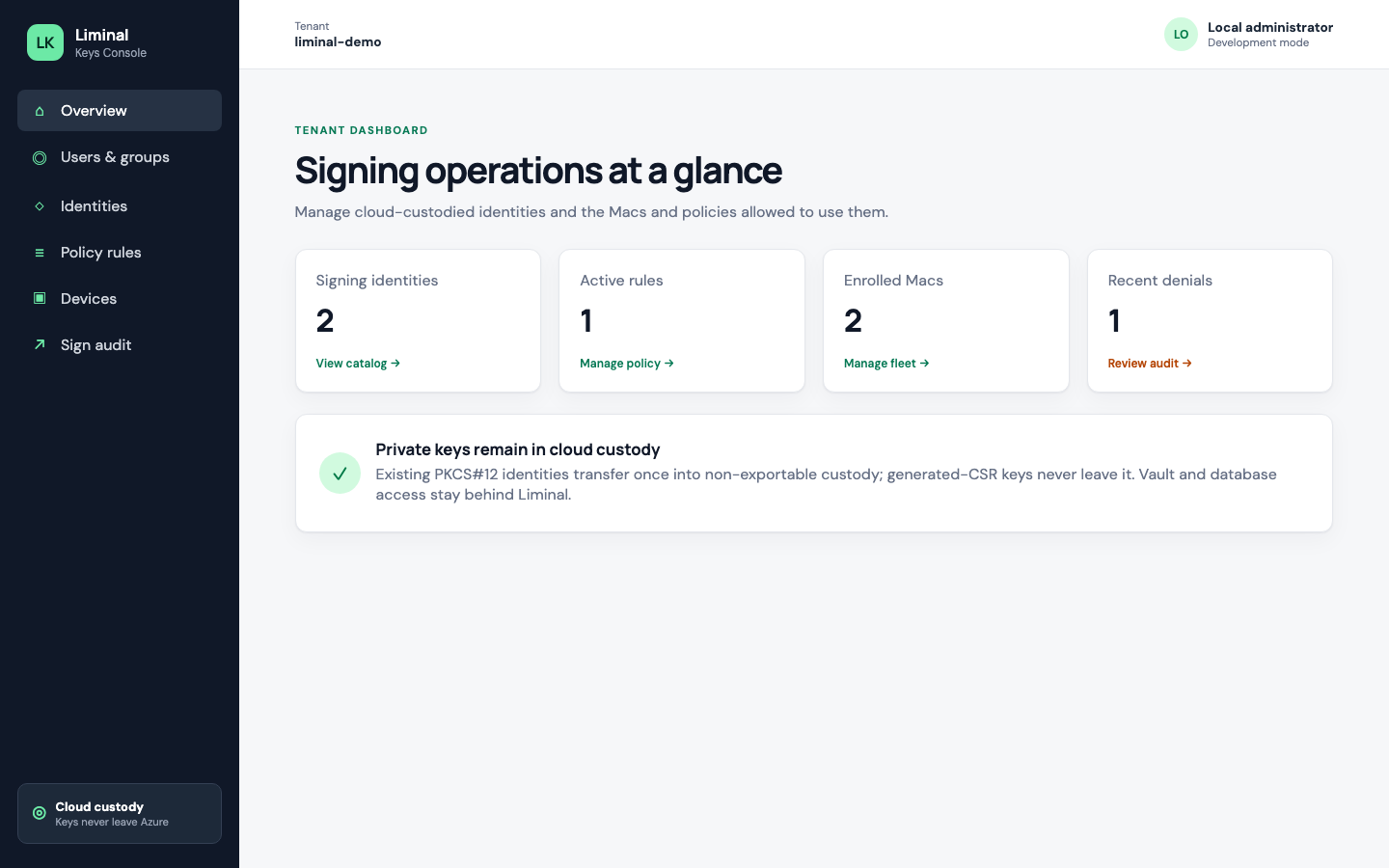
Signing private keys are held as non-exportable keys in Key Vault and every signature is made in cloud custody. The product path does not export private keys to administrators, the Console UI, or Liminal Keys for Mac as downloadable key material.
Liminal Keys helps you create electronic signatures with your own certificate (for example Apple code-signing identities you import or complete via CSR). We do not issue publicly trusted TLS or document certificates except short-lived self-signed testing leaves labelled as untrusted by PDF readers and mail clients. Signatures are not presented as handwriting-equivalent, admissibility-guaranteed, or eIDAS-qualified.
Optional RFC 3161 document timestamps (for example via the agents MCP passthrough when configured) use a third-party time-stamping authority. Timestamping is off by default. When enabled, the default free TSA is FreeTSA — a non-qualified service with no presumption of legal time accuracy.
Workspace AI agents sign through the same policy engine as Macs and CI. Policy rules can require Require approval before an agent sign proceeds; approvers act in the LK Approvals web app (optional web push). Pending approvals show the request label, optional preview images, and a truncated DigestHashHex (the server stores the full 64-character hash). Auto-sign and deny remain available. Agents never receive private key material.
Each sign is authorized only by applied, enabled policy rules for that tenant. A match requires identity, subject (user and/or group and/or device), operation (sign), and optional validity window. Missing context or no matching rule refuses the sign. On-Mac confirmation prompts are coming soon; currently, rules requiring confirmation deny matching signs.
Production API and Console are served over HTTPS on liminalkeys.com hostnames. Console authentication uses Microsoft work or school accounts, Google, and Apple via Entra External ID for social sign-in. GitHub is not a Console IdP. Device enrollment uses short-lived codes issued by an authorized Console user.
Hardware security module (HSM) support is on the roadmap. Contact us for more information or custom HSM integrations.
Self-hosted / on-premises deployment of Liminal Keys is available on request.
codesign