Docs · App & code signing
CI reference
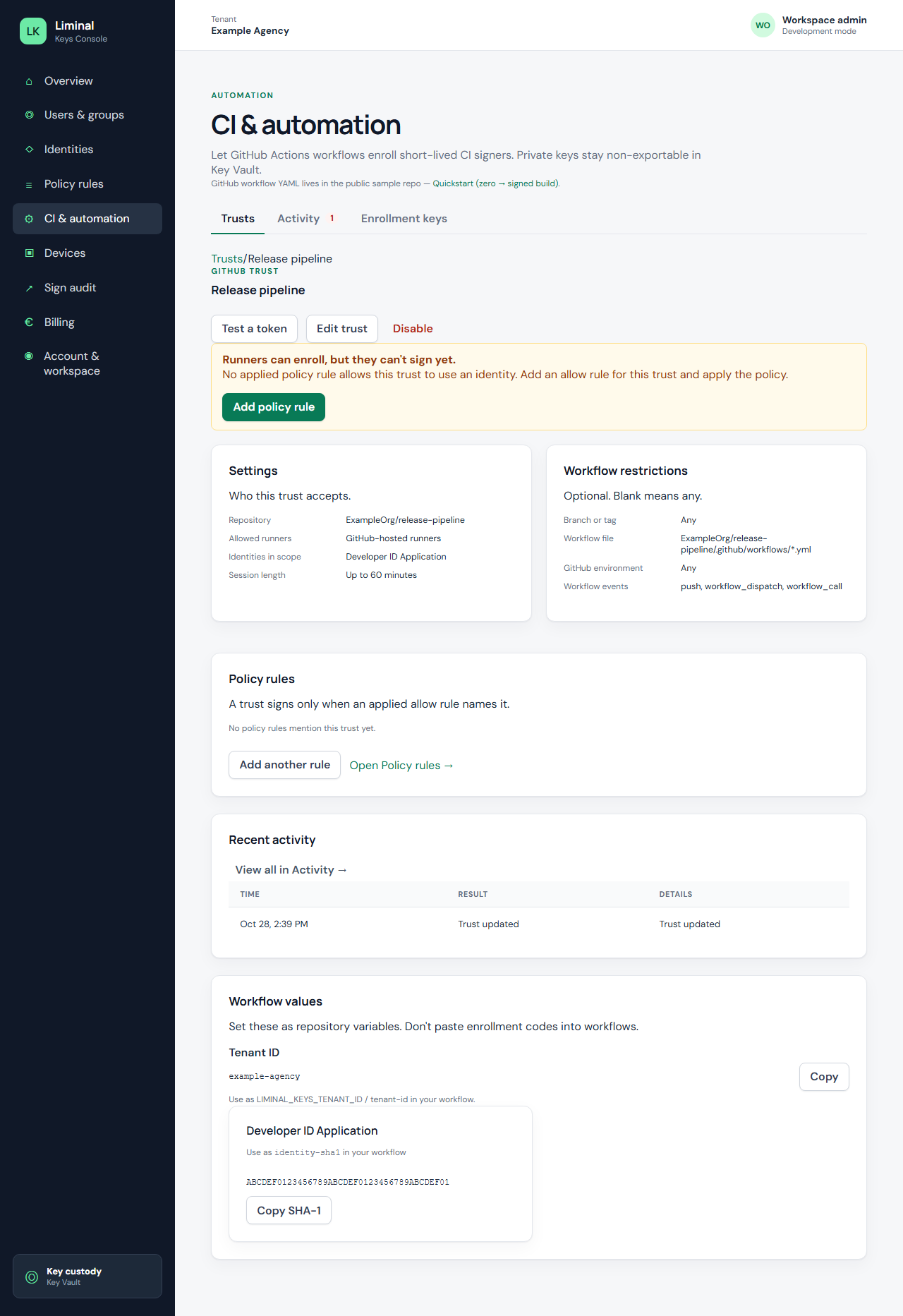
GitHub trust form
Enter the repository as plain text owner/name (for example acme-corp/acme-ios). Private customer repos are normal — you do not need GitHub’s repository lookup to succeed before save.
Repository numeric ID is required. GitHub puts this number in OIDC tokens as repository_id. Repo Settings does not show it — use GitHub CLI when you have access:
gh api repos/acme-corp/acme-ios --jq .idOther required fields: trust name (unique per workspace), branch or tag, workflow file glob, and at least one identity in scope. Incomplete saves return 400; duplicate trust names return 409.
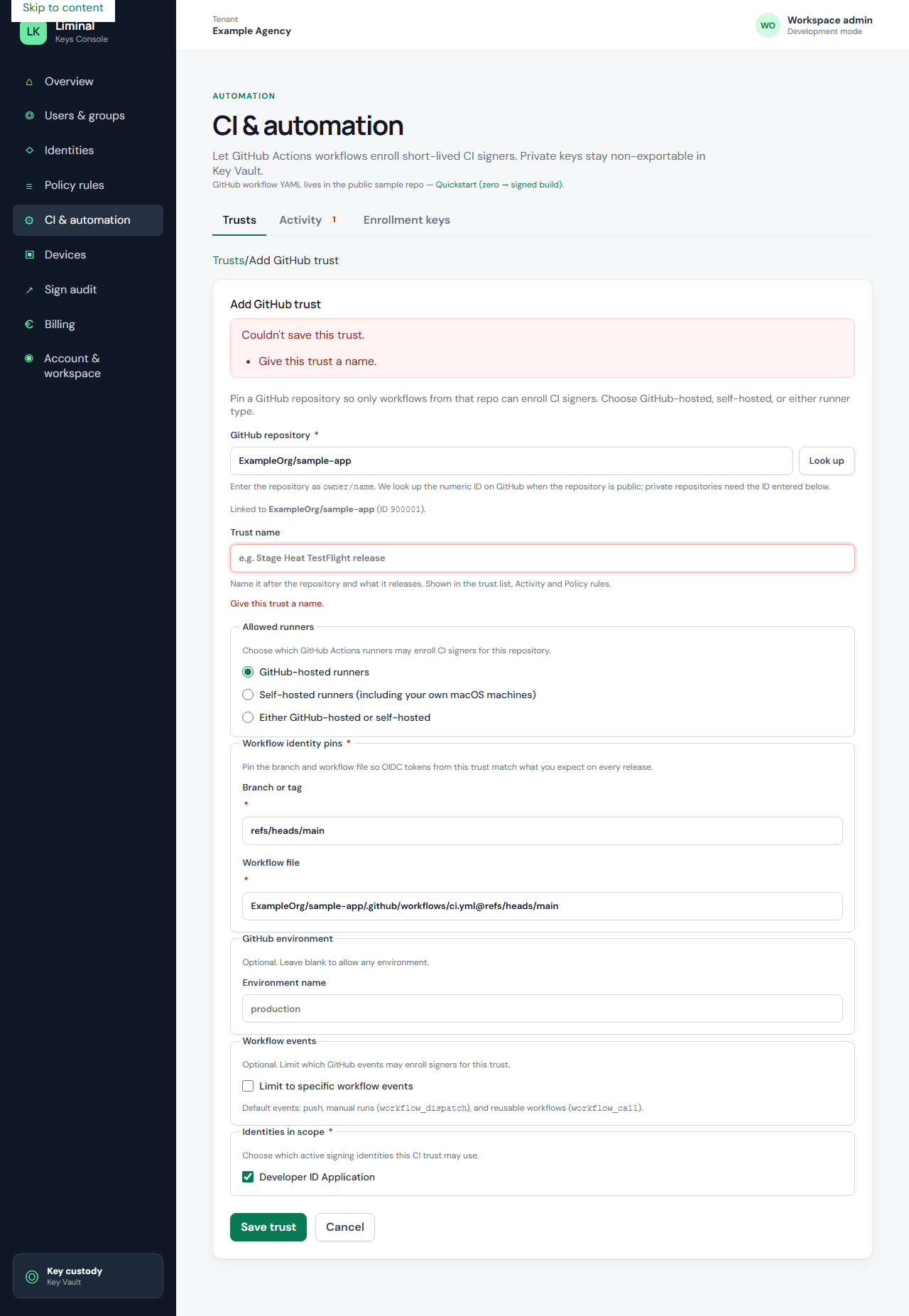
Activity and refusal drawer
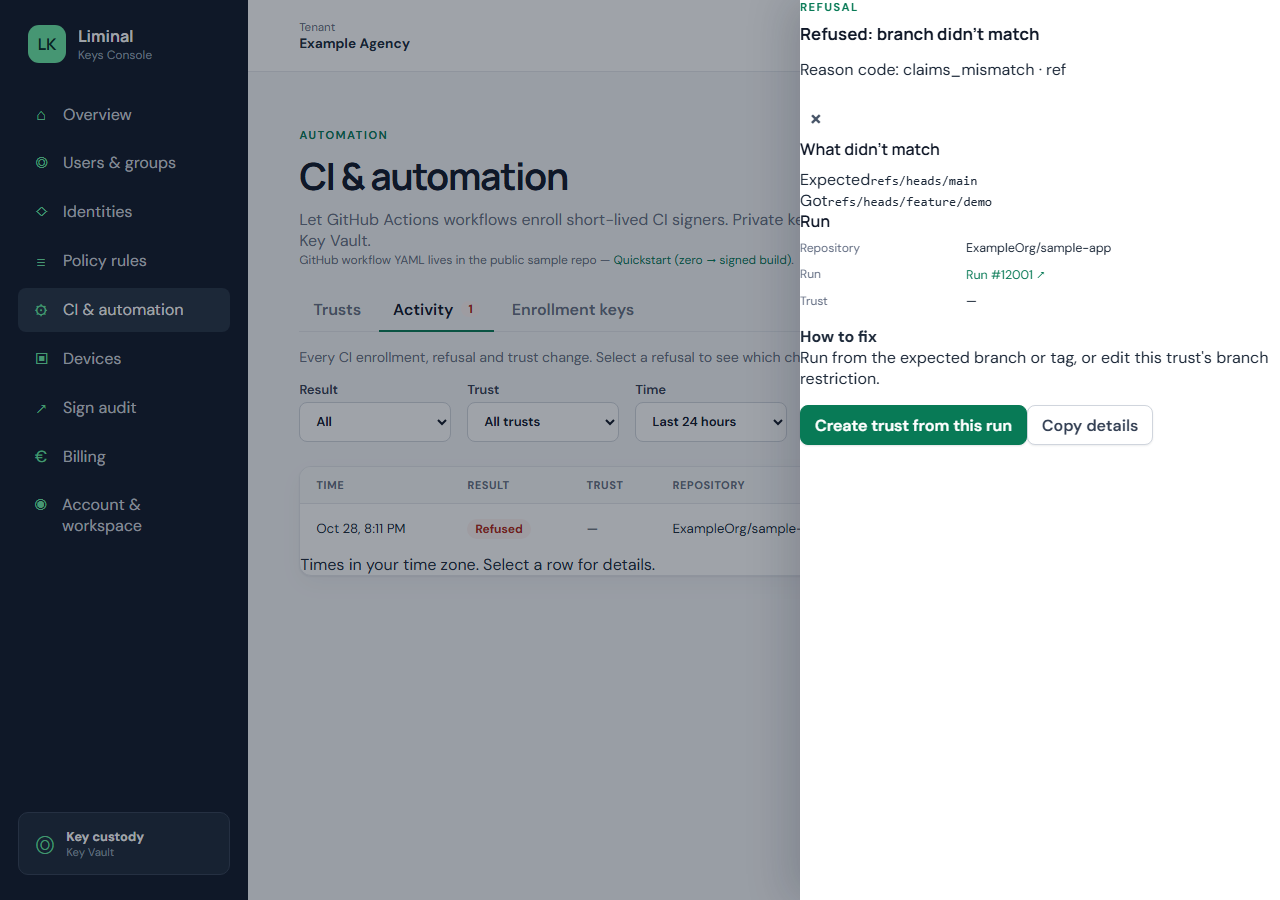
The Activity tab lists enrollments, refusals, and App Store Connect token events. Open a refused row for reason codes and Expected vs Got.
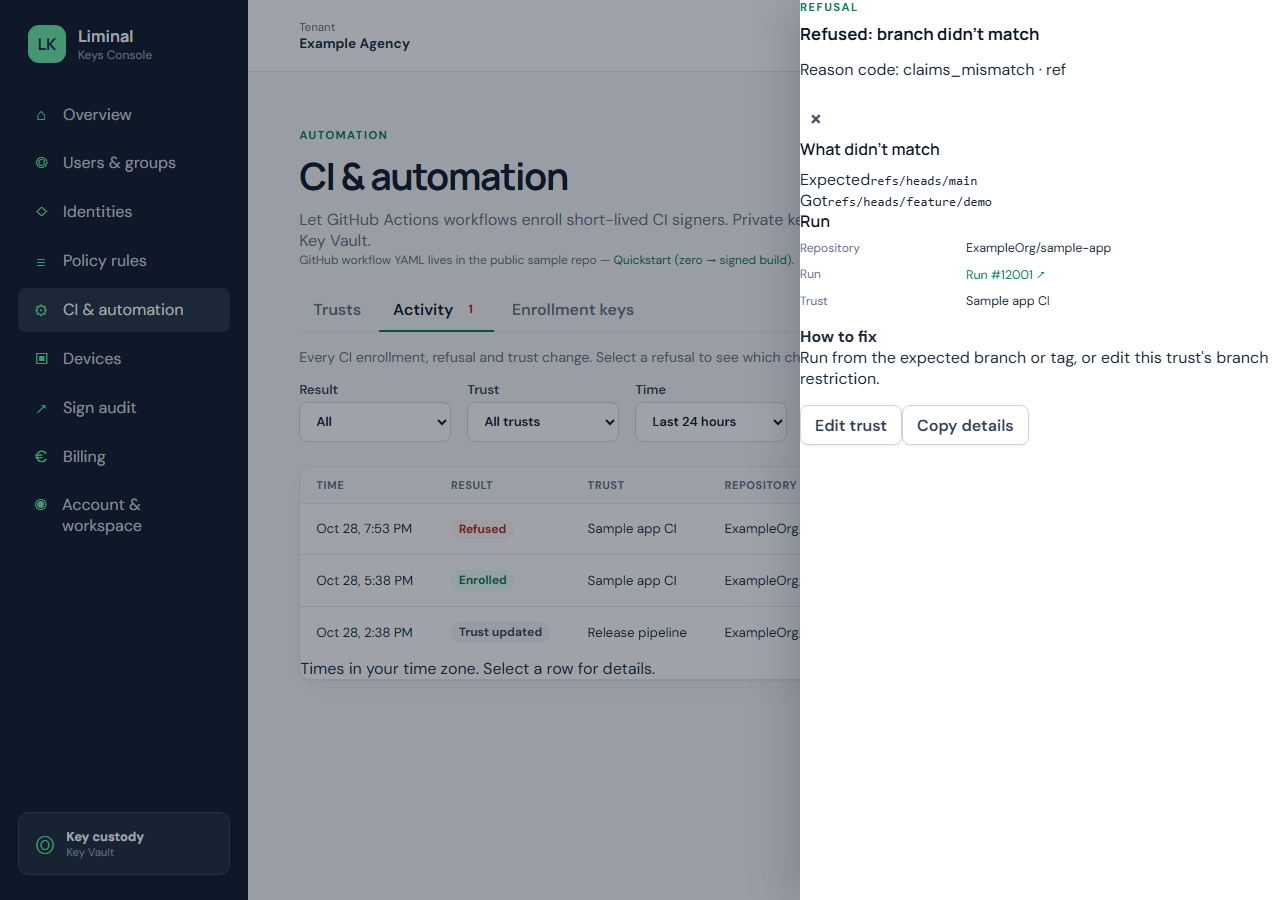
Activity: asc_token_issued
When CI mints an upload token, Activity shows Token issued (asc_token_issued) with the trust, run link, and key reference — not the JWT. Tokens are short-lived (about 10 minutes). Refused mints use separate ASC reason codes (for example no allow rule or policy not applied).
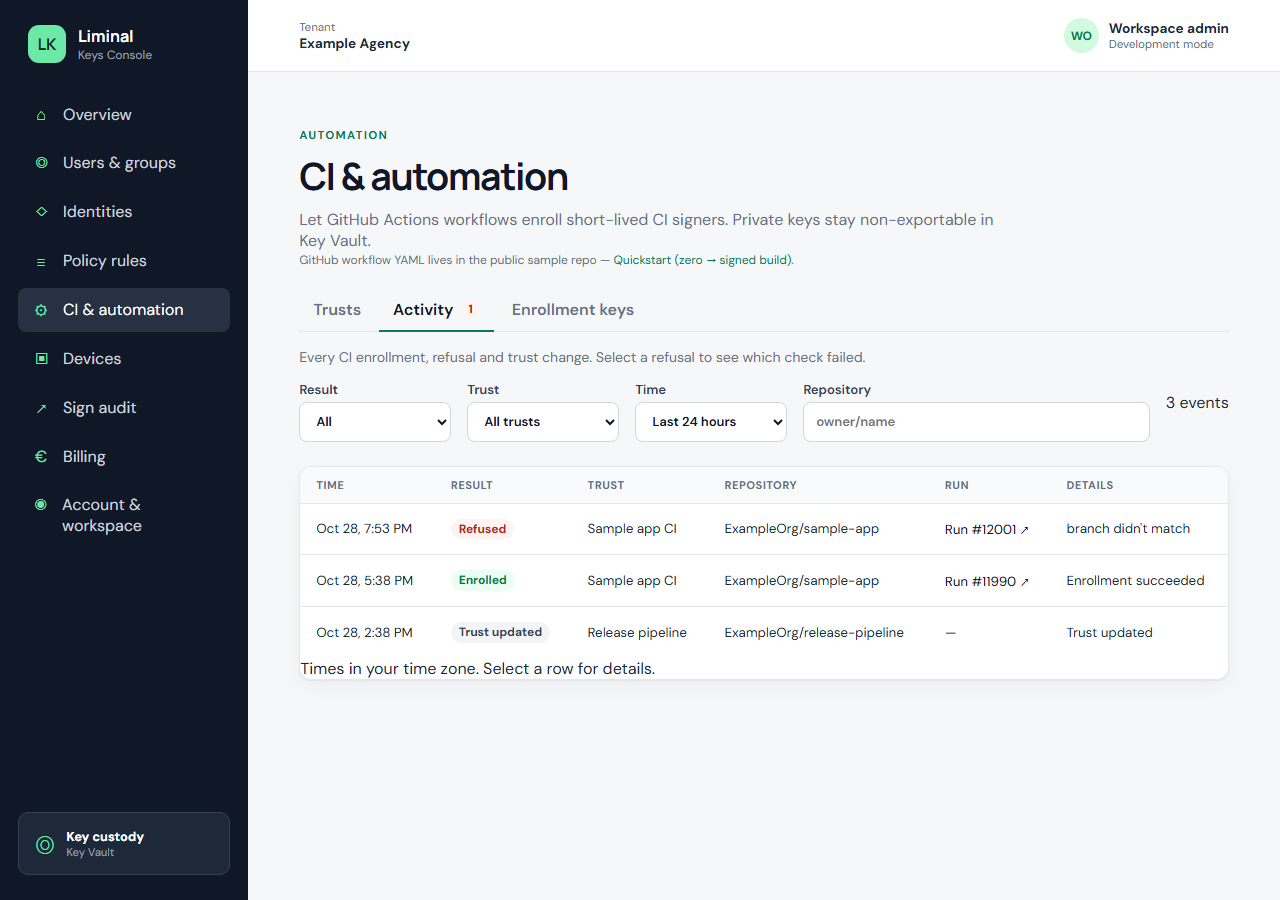
Prefill from runs and pasted claims
- Create trust from this run — from Activity, prefill Add trust from verified audit fields.
- Paste claims from a test run — verify a workflow OIDC JWT once; token is not stored.
Policy: Issue App Store Connect upload tokens
Separate from signing rules: in Policy rules, choose Issue App Store Connect upload tokens, pick an imported ASC key, subject CI workload (trusted issuer), bind your GitHub trust, then Apply policy. CI passes the Liminal key UUID as LIMINAL_KEYS_ASC_KEY_ID.
Import keys in Console CI & automation → App Store Connect keys or with liminal-keys admin asc import (see CLI reference). Prefer App Manager team keys in App Store Connect for upload-only CI.
Enrollment keys tab
When OIDC is unavailable, create a scoped lkci_… key and pass LIMINAL_KEYS_CI_KEY. Prefer OIDC on GitHub Actions.
Second app, same distribution certificate
Reuse the same certificate SHA-1; add a new GitHub trust and policy rule per repository; create a new Apple provisioning profile per bundle ID.
ASC broker vs legacy .p8 on the runner
Recommended: import the .p8 once (Console or admin CLI); CI mints tokens — no ASC_KEY_P8 secret on the runner. Smoke test: asc-broker-smoke.yml in the sample repo.
Fallback: store ASC_KEY_ID, ASC_ISSUER_ID, and ASC_KEY_P8 in GitHub secrets for xcrun altool / notarization templates (asc_upload_mode: p8-altool in some release workflows). Liminal Keys does not store your .p8 unless you use admin import.
Related: CI overview · CI quickstart · Cross-platform CLI