Docs · App & code signing
CI quickstart
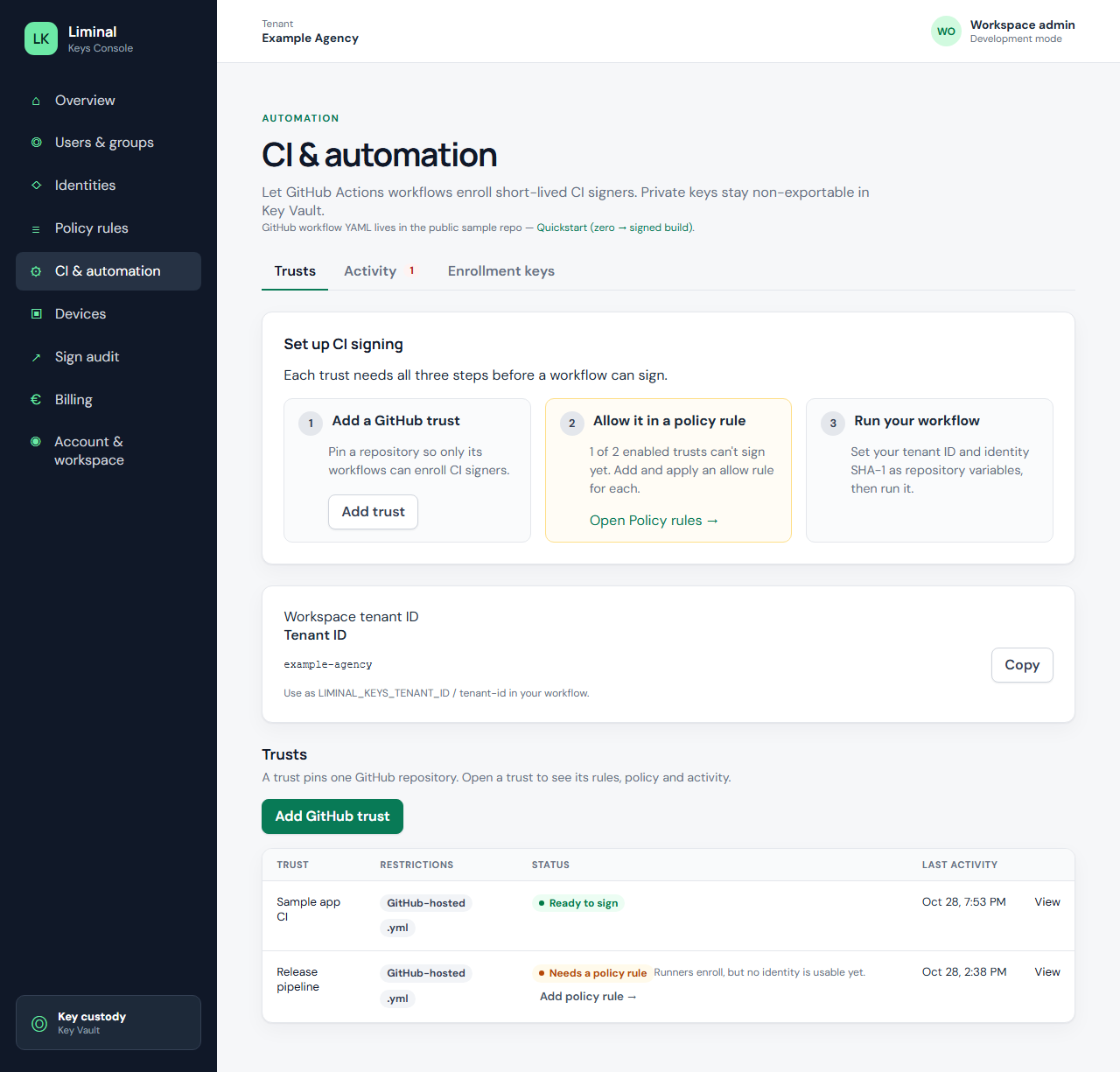
Console: Set up CI signing
Open CI & automation — tabs Trusts, Activity, Enrollment keys. Complete all three checklist steps on Trusts:
- Add a GitHub trust
- Allow it in a policy rule (Apply policy)
- Run your workflow with tenant ID and identity SHA-1 variables
Add GitHub trust (required fields)
Example mock repo acme-corp/acme-ios, trust name Acme iOS TestFlight release.
- Repository — plain text
owner/name(not a URL) - Repository numeric ID — required; OIDC claim
repository_id - Branch or tag — e.g.
refs/heads/main - Workflow file — glob for your release workflow
- At least one identity in scope
gh api repos/acme-corp/acme-ios --jq .idIncomplete saves return 400; duplicate trust names return 409. Detail: CI reference.
GitHub variables
LIMINAL_KEYS_TENANT_ID, LIMINAL_KEYS_CERT_SHA1, and permissions: id-token: write. For ASC broker uploads add LIMINAL_KEYS_ASC_KEY_ID (Liminal UUID after key import).
Dry run
Copy liminal-keys-dry-run.yml from the sample repo, run on an allowed branch, confirm Activity shows enrolled.
Related: CI overview · CI reference · Getting started